Start locally
Your board saves on the device first, remains usable offline, and can be exported as a portable backup.
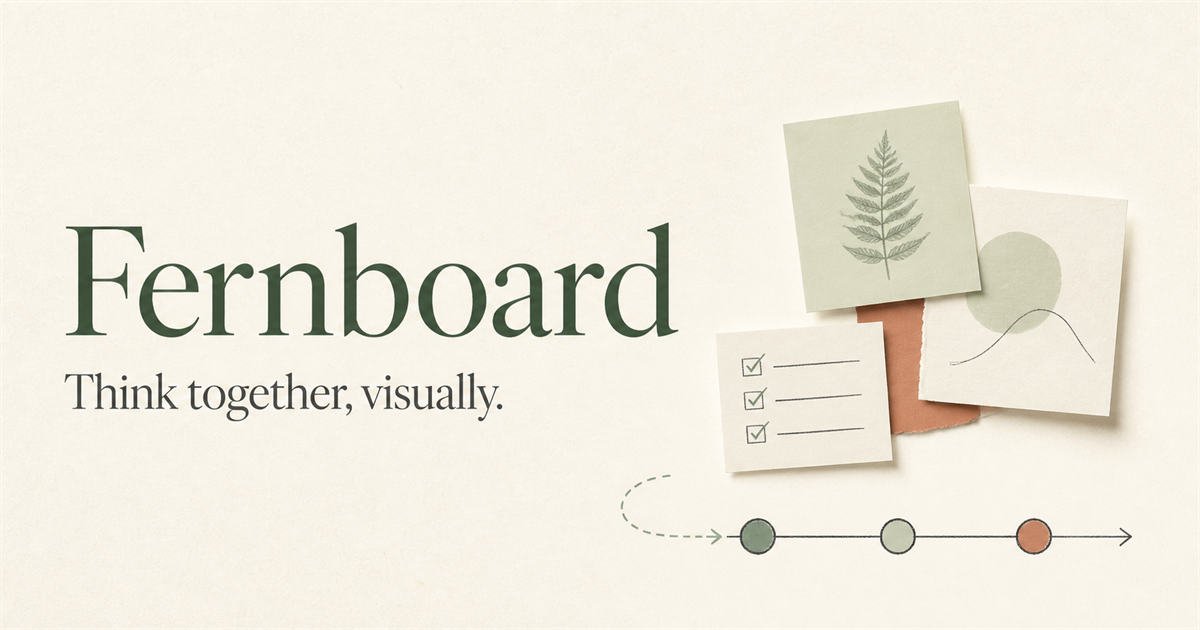
Fernboard brings notes, task lists, timelines, images and decisions together on one calm canvas—without making an internet connection a requirement for your ideas.
Your board saves on the device first, remains usable offline, and can be exported as a portable backup.
Arrange notes, nested tasks, media, columns and dependency-aware timelines in the layout that makes sense to your team.
Sign in when you want secure cloud access and collaboration. Losing a session does not lock you out of local notes.
When you choose Continue with Google, Fernboard requests only basic identity information—your Google account identifier, email address, name and profile image—to create and secure your Fernboard account. Fernboard does not request access to Gmail, Drive, Contacts or your Google files.
See exactly how Google data is usedFernboard is currently being prepared for a carefully controlled beta. Core editing stays local-first while cloud collaboration is introduced behind tested security boundaries.
Questions? Visit support